Passwords ask people to remember a secret and trust that they are typing it into the right site. Passkeys use public-key credentials tied to a website or application, with the device or credential manager helping the person authenticate. The technology can improve sign-in, but the surrounding account recovery and migration experience still needs careful work.
01How a passkey sign-in works
A passkey is a credential associated with an account and a service. During sign-in, a browser or operating system helps select the credential, and the user typically approves through a device unlock method. Depending on the credential manager and policy, a passkey may be synced or device-bound. [1]
The website stores information needed to verify a cryptographic response rather than a password the user must type. Biometric unlocking does not mean the website receives a fingerprint or face scan. Keep product explanations precise so people understand which information stays with their device.
02Understand the role of WebAuthn
WebAuthn is the web API and protocol framework for public-key credentials. Its origin and relying-party checks help bind authentication to the intended service. A server implementation still needs to generate and validate challenges and correctly enforce the protocol's verification requirements. [2]
Use a maintained authentication library or provider with current WebAuthn support. Avoid inventing a simplified verification procedure from a diagram. Incorrect challenge handling, relying-party configuration, or session management can undermine an otherwise strong credential mechanism.
03Design registration around an existing account
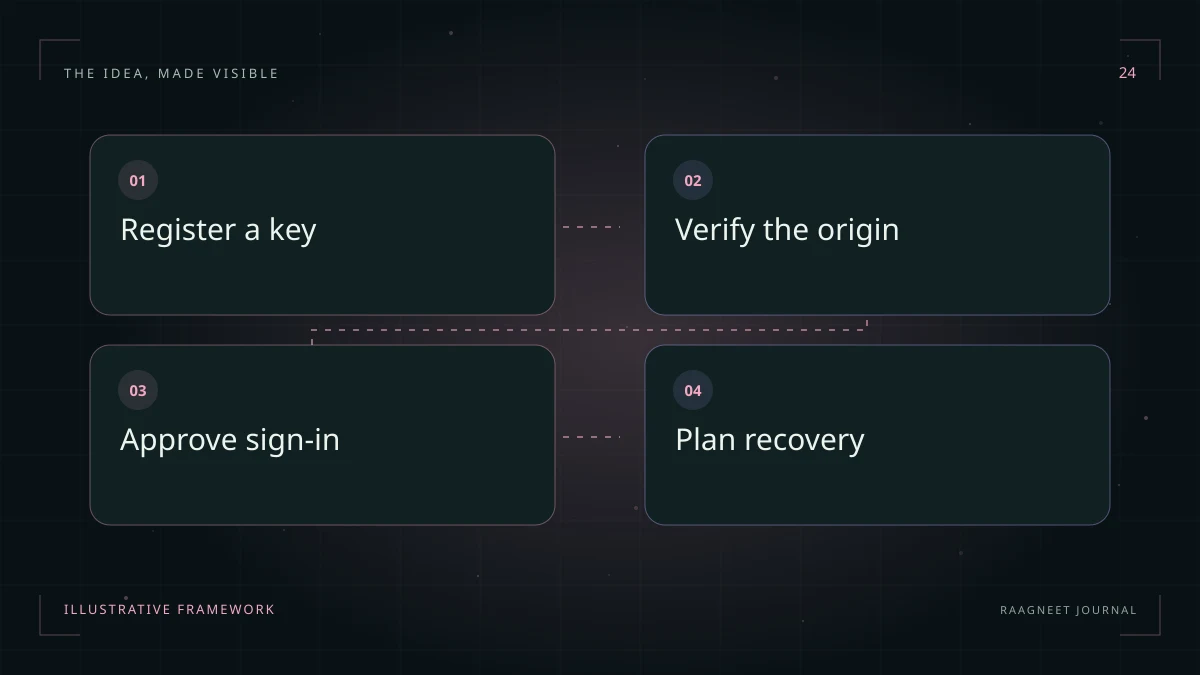
Offer passkey creation at a moment when the user understands its benefit and is appropriately authenticated. Explain what happens if they use another device or change credential managers. Let them name or identify registered credentials where the chosen platform supports a useful management experience.
For an illustrative customer portal, a person could add a passkey after completing a trusted sign-in. Confirm the addition through the normal account-security process and provide a way to remove a lost or unwanted credential. Avoid forcing registration before the user understands recovery.
04Make recovery part of the threat model
A phishing-resistant sign-in can be weakened by an easy-to-abuse recovery flow. Review email recovery, support-assisted access, fallback passwords, and session reset procedures. Recovery needs to be usable while preserving confidence that the person requesting access is entitled to the account.
Test lost devices, multiple devices, shared computers, unavailable credential managers, and interrupted registration. Give people a clear route to support when an expected passkey is missing. Do not make them guess whether the problem belongs to the website, browser, operating system, or password manager.
05Roll out with evidence
Start with an optional path and measure registration completion, successful sign-ins, recovery use, and support contacts. Segment results by device and browser. Keep a secure fallback appropriate to the account's risk while you understand where people struggle.
Explain benefits without claiming that passkeys eliminate every account attack. They do not fix a compromised session, an overpowered support process, or an insecure device. A good rollout combines standards-based authentication with clear communication, maintained server code, and thoughtful account lifecycle controls.
Common questions
Does the website receive my fingerprint when I use a passkey?
No. A device may use biometrics to approve access to the credential, but the website verifies a cryptographic response rather than receiving the biometric itself.
Are passkeys impossible to compromise?
No authentication system removes every risk. Passkeys improve resistance to common credential phishing, while recovery flows, sessions, devices, and server implementation still need protection.
Sources & further reading
Primary documentation and further reading are linked below. Examples and decision frameworks are illustrative; product capabilities can change.
Created with AI assistance for the RaagNeet Journal. This guide does not claim original product testing or benchmark results. Original illustrations by RaagNeet. Send a correction.