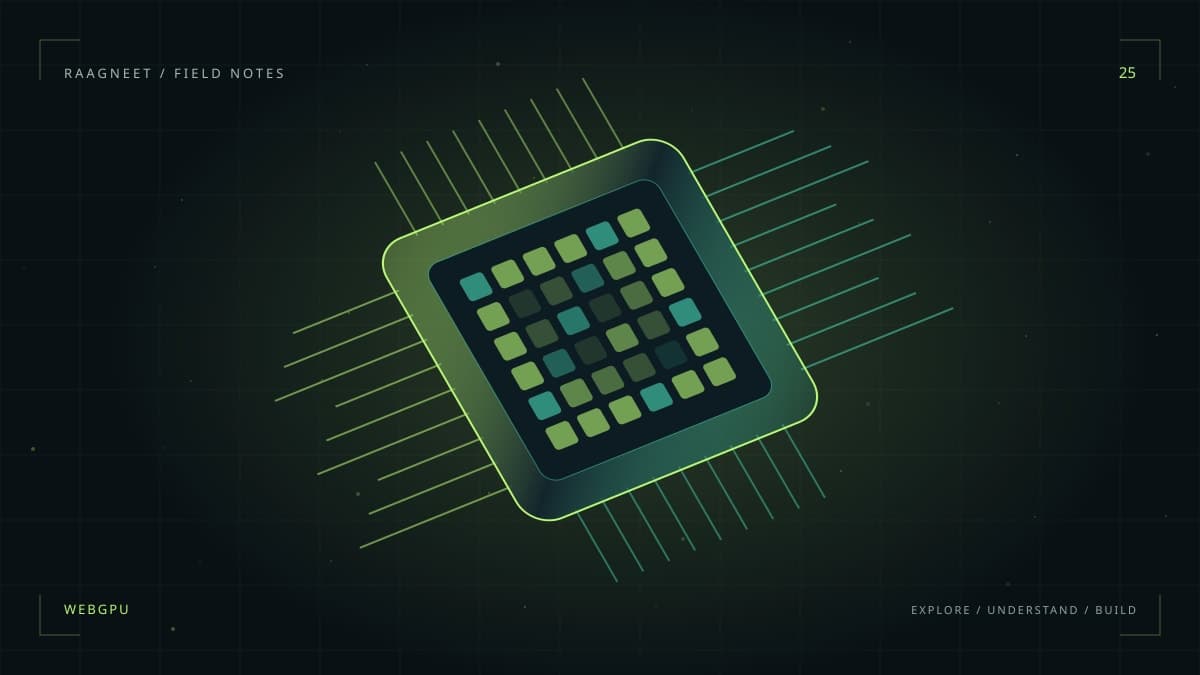
The browser is becoming a more capable place to run graphics and machine-learning workloads. WebGPU provides access to modern GPU features through a web API. That can support useful local inference, but a working demonstration on a powerful laptop does not establish a dependable experience across the devices that visit a public website.
01What WebGPU enables
WebGPU supports graphics rendering and general-purpose GPU computation. Major browser engines have introduced support, but availability still depends on operating system, version, hardware, and configuration. A broad browser-support headline should not be read as a guarantee for every visitor's device. [1]
For an illustrative image tool, GPU computation could help run a supported local model or processing operation. It may reduce repeated network inference requests, but the initial resources still need to be downloaded and the device must have enough memory to execute them.
02Choose a runtime that supports your model
Libraries such as Transformers.js can use a WebGPU backend for compatible models. Runtime documentation specifies supported tasks, data types, and device configuration. A model that works in a desktop Python environment may need conversion or a different supported format before running in a browser. [2]
Pin the library and model revisions used for evaluation. Check the model license and download source. Avoid loading unbounded amounts of data into GPU memory, and clean up resources when the feature is no longer active. Browser tabs share a device with the user's other applications.
03Measure the first useful result
Include downloading weights, caching, initialising the runtime, loading shaders, and processing the first input. A warm benchmark can hide a long first-run wait. Show clear progress and let the user cancel before a large transfer starts where appropriate.
Test slower networks, mobile storage limits, low-memory devices, and a return visit after caches have been cleared. Keep a small task-specific evaluation set so optimising speed does not silently degrade output quality. Measure sustained use too, because heat and power management can change performance.
04Detect failures at runtime
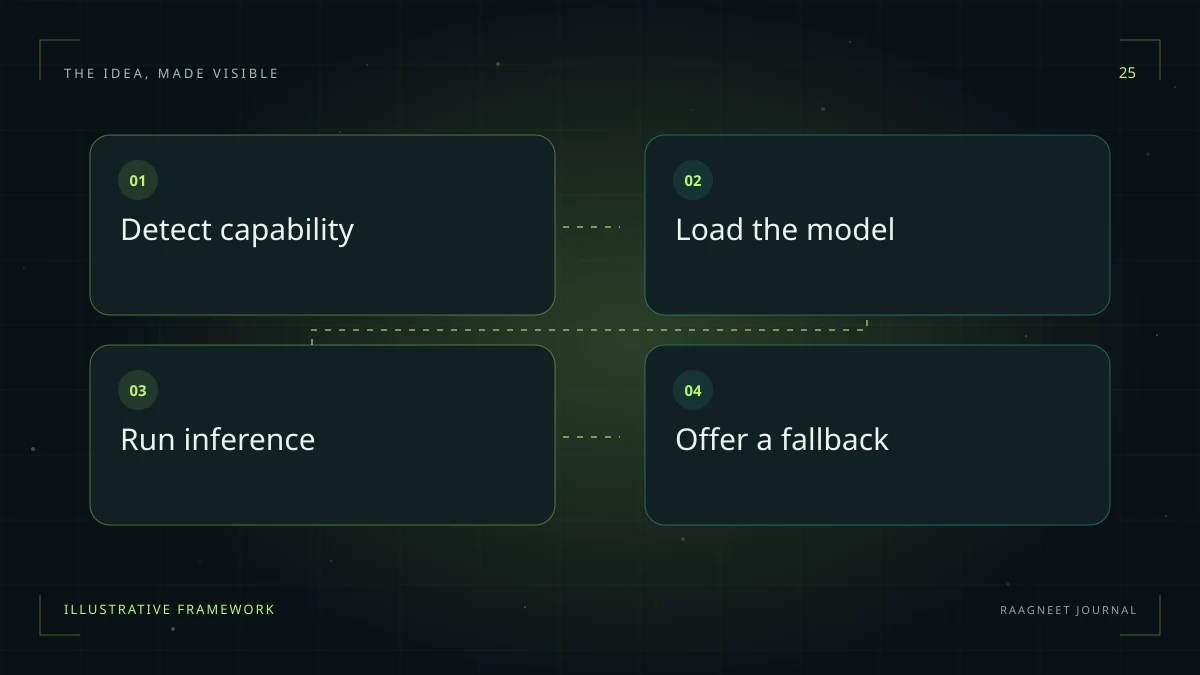
Feature detection is a starting point, not a complete readiness test. An adapter request can fail, a device can be lost, or a model can exceed resource limits after the API is available. Handle those outcomes with a clear message and an alternative path.
A conventional server operation or simpler non-AI interaction may be a useful fallback. If the fallback sends user content to a remote service, explain the change and obtain the appropriate permission. Local processing should not become an ambiguous privacy claim when the implementation can switch destinations.
05Ship a capability with a clear purpose
WebGPU is useful when it supports a concrete feature: local transcription, a supported image operation, an interactive simulation, or another workload that benefits from GPU execution. Do not require it just to show ordinary page content that HTML and CSS can already deliver efficiently.
Keep the main website usable before the advanced feature loads. Evaluate the complete product experience against a simpler baseline. Browser AI becomes practical when its quality, startup cost, device coverage, and fallback behaviour fit the audience, rather than when the technology alone looks impressive.
Common questions
Does WebGPU work on every modern phone?
No. Availability depends on browser, operating system, hardware, and configuration. Detect support and handle adapter or device failures at runtime.
Does browser inference mean no data ever leaves the device?
Only if the whole application is designed that way. Model downloads, telemetry, plugins, and server fallbacks still need to be reviewed and explained.
Sources & further reading
Primary documentation and further reading are linked below. Examples and decision frameworks are illustrative; product capabilities can change.
Created with AI assistance for the RaagNeet Journal. This guide does not claim original product testing or benchmark results. Original illustrations by RaagNeet. Send a correction.