Framework upgrades are useful when they improve a project's capabilities, maintenance, or development experience. They also carry migration work. Next.js 16 introduced changes to caching, build tooling, and request handling, while the 16.2 release added further improvements. This guide focuses on that release line rather than claiming it is the newest available version.
01Understand the main Next.js 16 changes
The Next.js 16 announcement introduced Cache Components, stable Turbopack builds, updated caching APIs, and the Proxy convention replacing Middleware terminology. It also described breaking changes and deprecations. These features affect different layers of an application and should not be treated as one automatic performance switch. [1]
For an existing business website, inventory the routes, data sources, authentication boundaries, and deployment adapter before upgrading. A marketing page and a private customer dashboard may need different caching behaviour even when they share a layout.
02Know what the 16.2 release added
The March 2026 Next.js 16.2 release described development startup and rendering improvements, debugging changes, and additional tooling work. Release notes distinguish supported features from experimental options. Keep those labels in mind when deciding what belongs in a production application. [2]
Avoid enabling experimental settings merely because they appear in an example. First confirm the project's exact version, host support, and the problem being solved. An upgrade can be valuable without immediately adopting every newly available configuration option.
03Audit async request APIs and routing
Current App Router conventions use asynchronous access for request-dependent values such as dynamic route params. Review pages, layouts, route handlers, and metadata functions that depend on these values. Old examples copied from earlier major versions can produce migration warnings or fail.
For an illustrative article route, await the slug parameter before looking up content. Pre-render known article paths when the content is available at build time, and return a real not-found result for an unknown slug. Keep static existing routes distinct so they retain their intended behaviour.
04Make caching an explicit product decision
Public article content can often be generated ahead of time, while private account data needs carefully scoped request handling. Document what may be reused, for whom, and for how long. After a data change, test whether the expected page actually reflects the update.
Keep server and client boundaries intentional. A search box may need client-side state without turning the entire article into a client-rendered page. This reduces unnecessary browser work and keeps core content available in the initial response. Check bundle changes rather than assuming the framework makes the decision for you.
05Upgrade with a rollback path
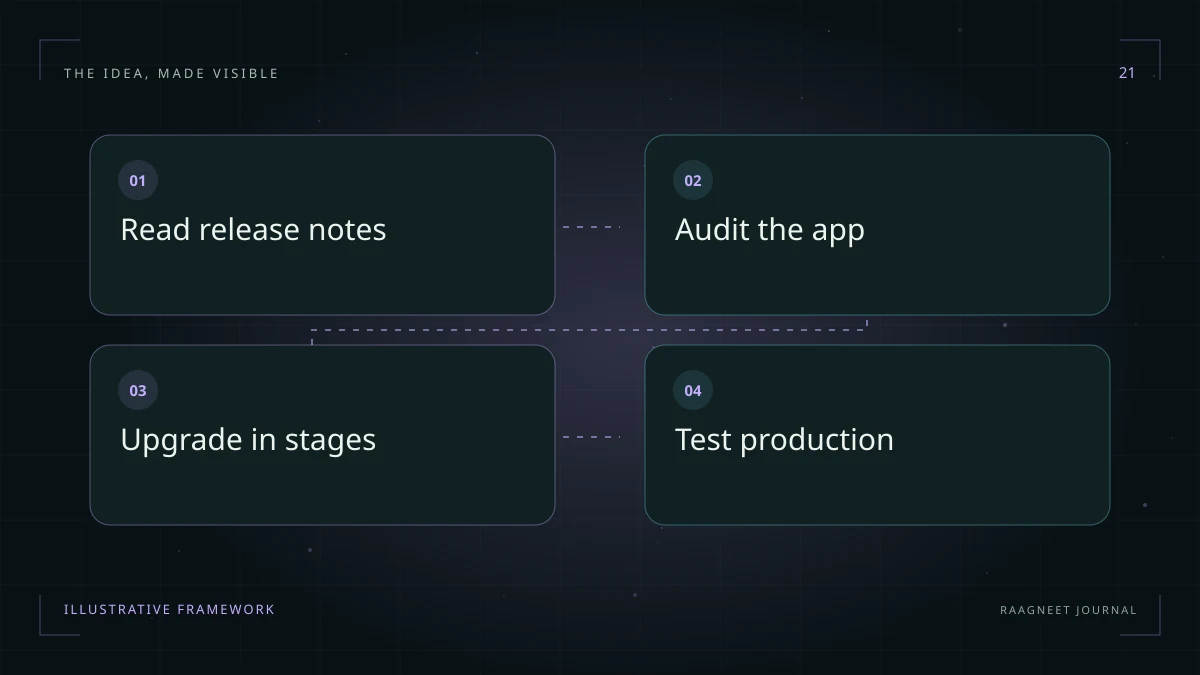
Work in a reviewable branch, preserve the lockfile, and follow the official migration guide for the starting and target versions. Check dependencies, runtime requirements, image behaviour, metadata, forms, and deployment settings. Include both direct page loads and in-app navigation in validation.
Run a production build and inspect representative routes on the actual hosting environment. Keep the previous deployment recoverable. Record which changes were required by the upgrade and which were optional improvements, so future maintenance does not depend on reconstructing the original migration conversation.
Common questions
Should every Next.js 16 project enable Cache Components?
No. Evaluate the feature against the application and hosting setup, and follow the documentation for the installed version. An existing project can upgrade without adopting every optional feature at once.
Does this guide claim Next.js 16.2 is the latest release?
No. It explains the 16 release line and the documented 16.2 changes. Check official release and security notes when choosing a version for a real project.
Sources & further reading
Primary documentation and further reading are linked below. Examples and decision frameworks are illustrative; product capabilities can change.
Created with AI assistance for the RaagNeet Journal. This guide does not claim original product testing or benchmark results. Original illustrations by RaagNeet. Send a correction.