AI coding tools can help investigate a codebase, explain unfamiliar modules, and implement a well-defined change. Their output still needs the same evidence expected from any software change. A useful workflow makes the task concrete, keeps the diff understandable, and checks the behaviour that matters to the person using the product.
01Write a task that can be verified
An agent works inside a surrounding harness: tools, instructions, environment, and continuity between steps all affect its results. Clear project context helps the system identify what remains to be done and how to verify progress. The model alone does not represent the complete development process. [1]
A useful brief might say that searching the journal should update visible results, show an empty state, and remain usable at a narrow mobile width. That provides stronger acceptance criteria than a request to make the page modern. Include existing conventions and explicit limits on scope.
02Treat repository content as input to review
Generated code can introduce familiar software risks, including unsafe dependencies, missing validation, or accidental exposure of sensitive values. AI-assisted development also creates opportunities for malicious instructions in material the tool reads. Project files, issue text, and tool output deserve appropriate trust boundaries. [2]
Keep secrets out of prompts and test fixtures. Verify a proposed package against its official documentation and registry identity before installing it. A plausible import name is not evidence that the dependency exists or is suitable for production.
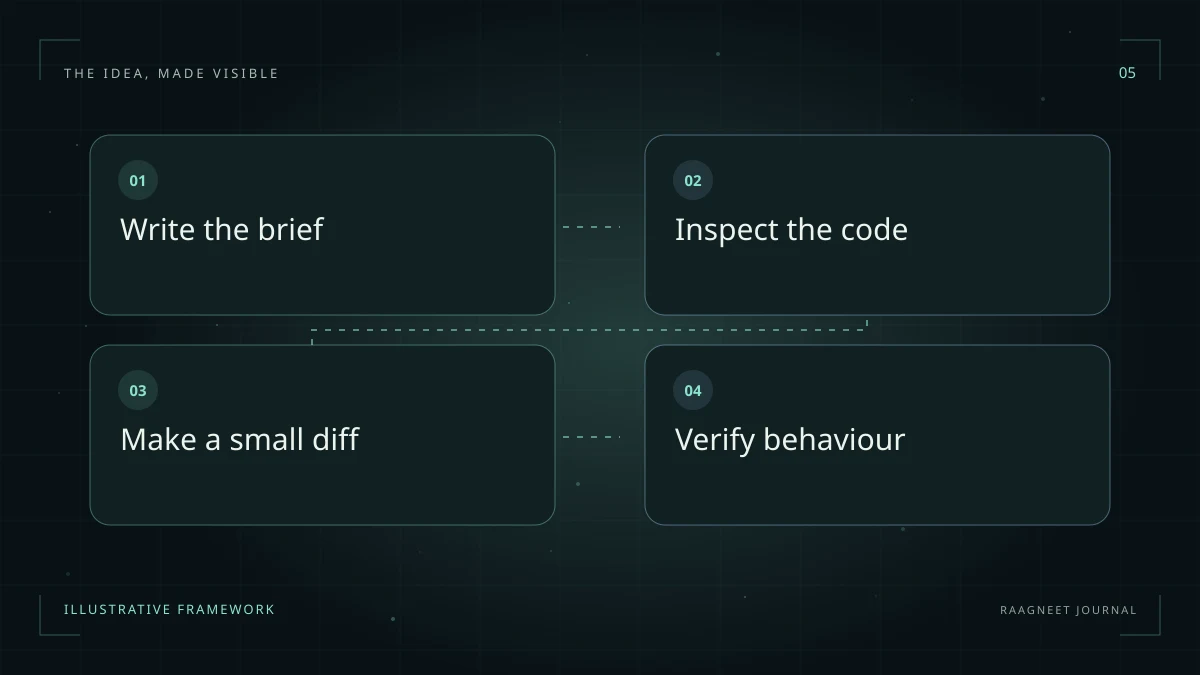
03Ask for a focused change
Start by inspecting the relevant component, route, and data flow. Preserve unrelated user changes and identify the smallest useful implementation boundary. A focused diff is easier to review and less likely to hide an unexpected change in authentication, configuration, or a shared layout.
For an illustrative search feature, keep filtering in a small component while rendering article content on the server. That separates the interactive requirement from the content delivery requirement. Do not accept a broad rewrite simply because a tool can produce one quickly.
04Verify the user-visible behaviour
Choose tests that would fail if the feature were wrong. Search should handle mixed case, no results, clearing the query, and combinations with filters. A route should return a genuine not-found response for an unknown identifier. Mobile checks should include actual scroll behaviour and readable text.
Read the rendered result as well as the source. A successful build does not establish good contrast, a useful error message, or a comfortable tap target. Where browser verification is unavailable, state that limitation and keep the implementation evidence specific.
05Review before expanding permissions
Before release, inspect the complete diff and confirm what changed in dependencies, environment variables, and external side effects. Record which checks passed and which remain unverified. A generated explanation should agree with the code and the observed result.
Increase autonomy gradually as the workflow earns confidence. Reading files, editing a branch, and running checks are different from deploying or modifying production data. Keep consequential operations visible and tied to the user's actual request. Speed is useful when the verification remains strong enough to trust the outcome.
Common questions
Can AI-generated code go straight to production?
It should pass the same review, security checks, and relevant tests as other code. Generation is a development step, not evidence of correctness or readiness.
What makes a useful prompt for a coding tool?
Describe the current behaviour, desired result, project constraints, and how success will be checked. Link the relevant files or reproduce the failure when possible.
Sources & further reading
Primary documentation and further reading are linked below. Examples and decision frameworks are illustrative; product capabilities can change.
Created with AI assistance for the RaagNeet Journal. This guide does not claim original product testing or benchmark results. Original illustrations by RaagNeet. Send a correction.